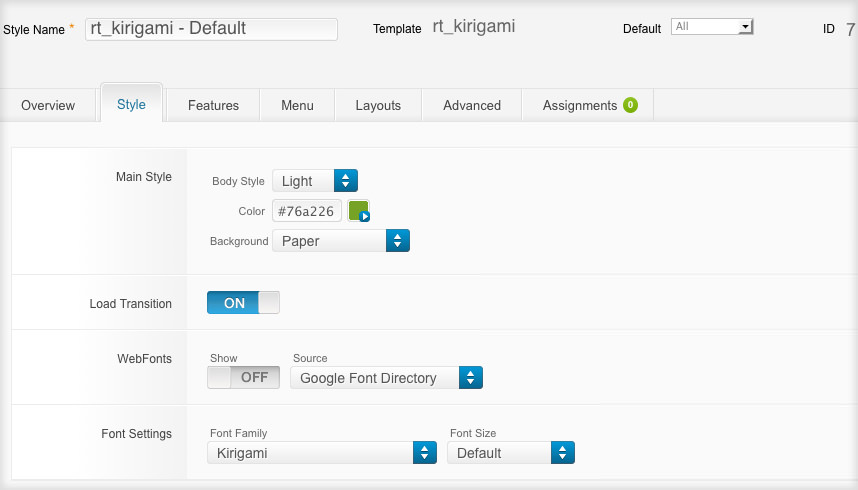
The Style Settings panel in the Gantry based theme administration interface provides several options for configuring the main built in stylistic aspects of the template.
Gantry also provides the ability for you to create your own custom presets based on any parameter in the theme administrator. You should determine which parameters you wish to configure to be a part of the presets.
Assigning a Style
With Gantry, the ability to assign a certain style to an individual page has never been easier and/or more efficient. Just follow these simple steps:
- Go to Extensions → Template Manager → rt_kirigami → Assignments → *Menu Item*
- Select your preset from Show Presets, configure and save.
After setting your defaults to the desired values, select the Menu Items button and choose the menu item you wish to modify the parameters for. You will then see a series of checkboxes on the left of all the supported parameters. Select the checkbox next to the parameter you wish to modify, it will then become active, and you can modify as you wish. Clicking “Save” or “Apply” in the toolbar will then save this configuration.
Gantry Framework: Per Menu Item Controls